Choose two photos
Use single-person portraits with clear faces and natural light.
 Viral AI TrendCreate your video
 Put you and a friend into the same keyboard performance scene. Upload two portraits and turn a familiar duo format into your own short video.
Make this video Two photos · left and right roles · vertical short videoEach photo maps to one performer. Upload the left photo first, then the right, and review the order before generating.
Photos are checked before generation. Use images you own or have permission to use.
The hook is a simple composition: two people share a familiar music device, so their actions and reactions create an immediate contrast. You choose who appears; the template carries the scene and rhythm.
Use single-person portraits with clear faces and natural light.
The left and right uploads map to the two positions in the template.
Check faces, hands and keyboard interaction before posting to your platform.
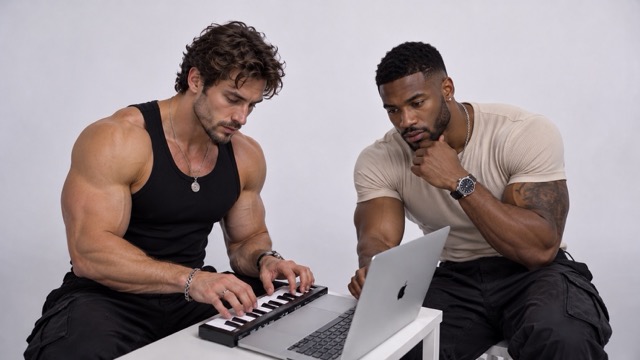
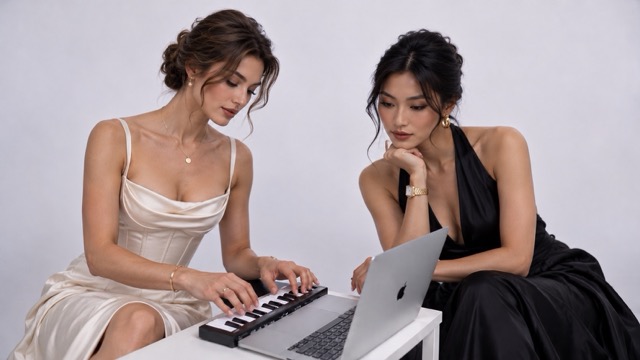
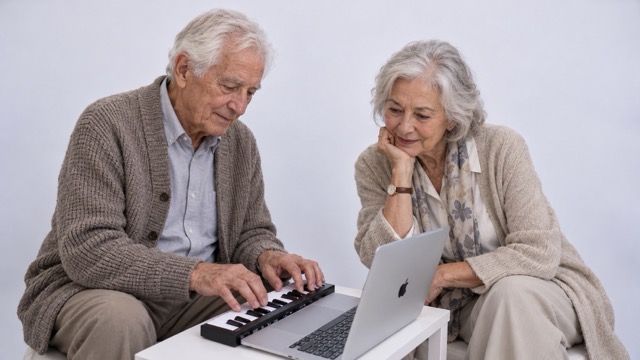
Upload two clear portrait photos, one for the left performer and one for the right. The template provides the keyboard, desk, camera and performance.