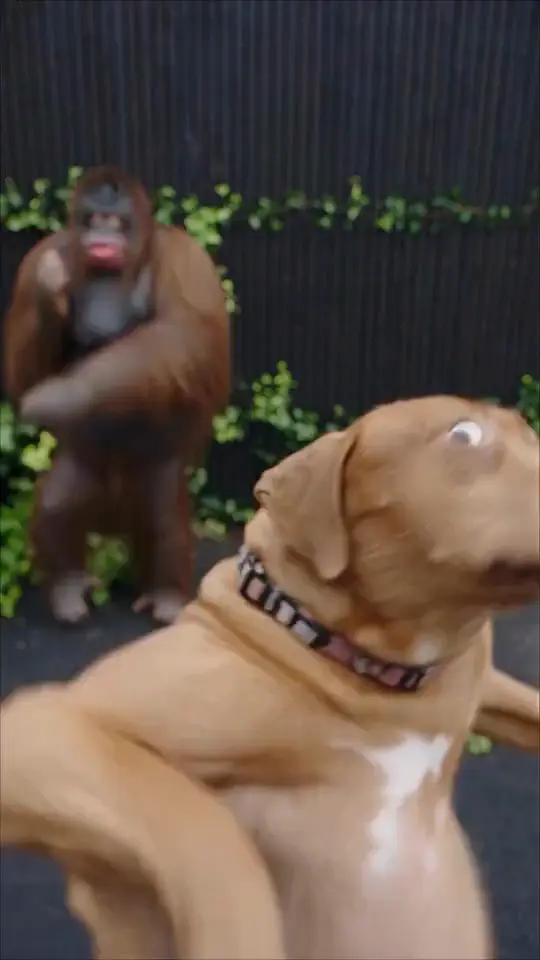
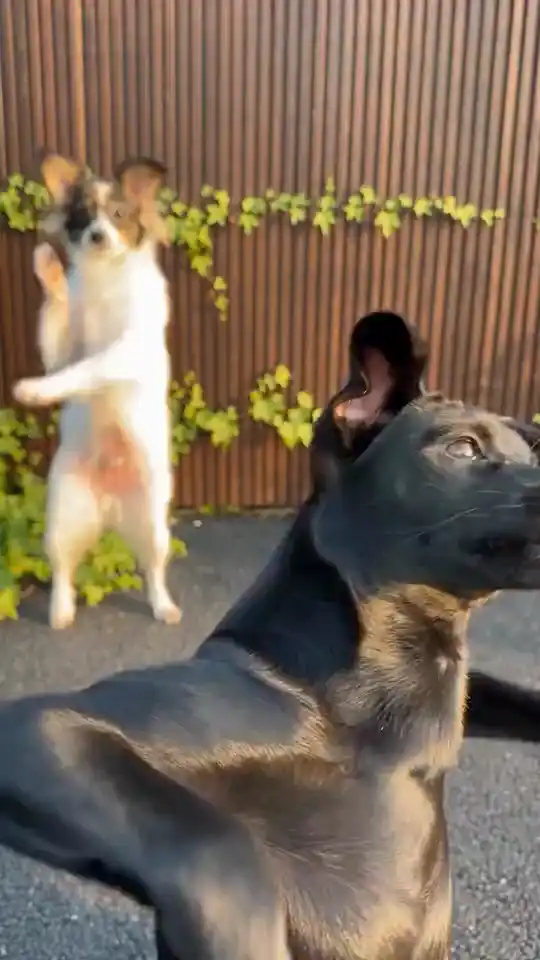
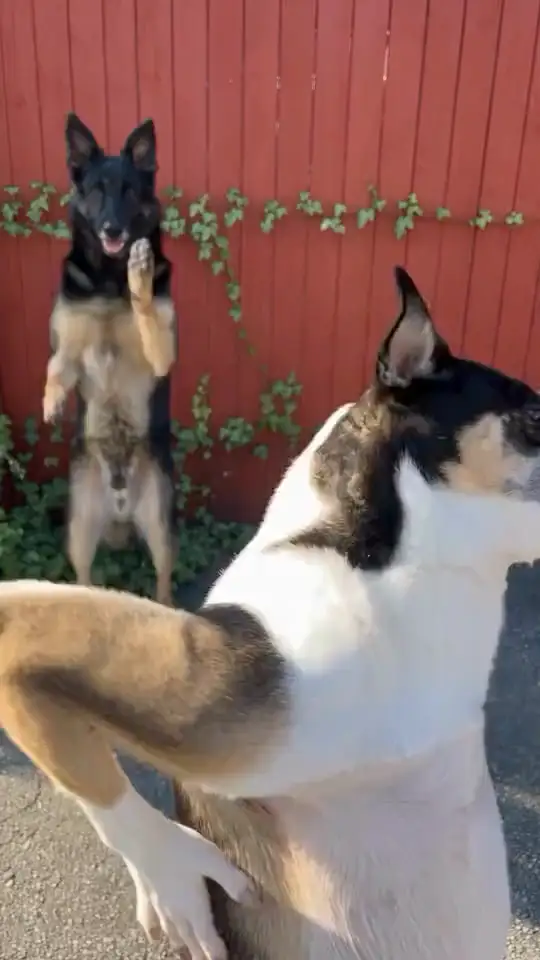
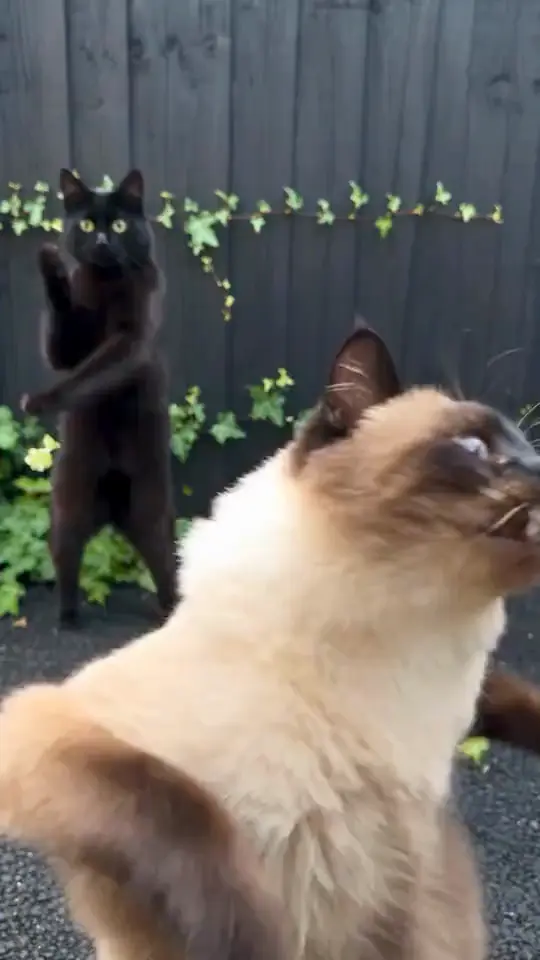
Example 1 / 9
 Viral AI Trend
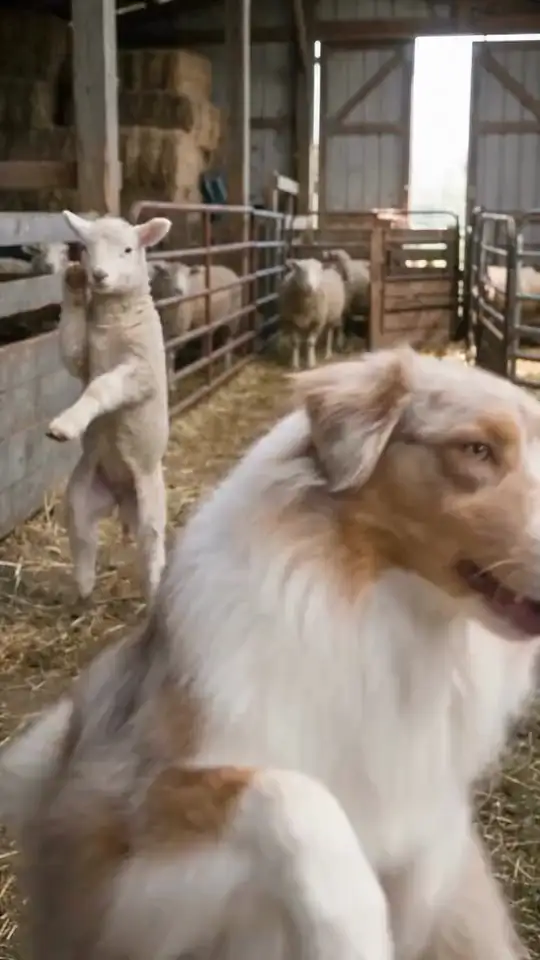
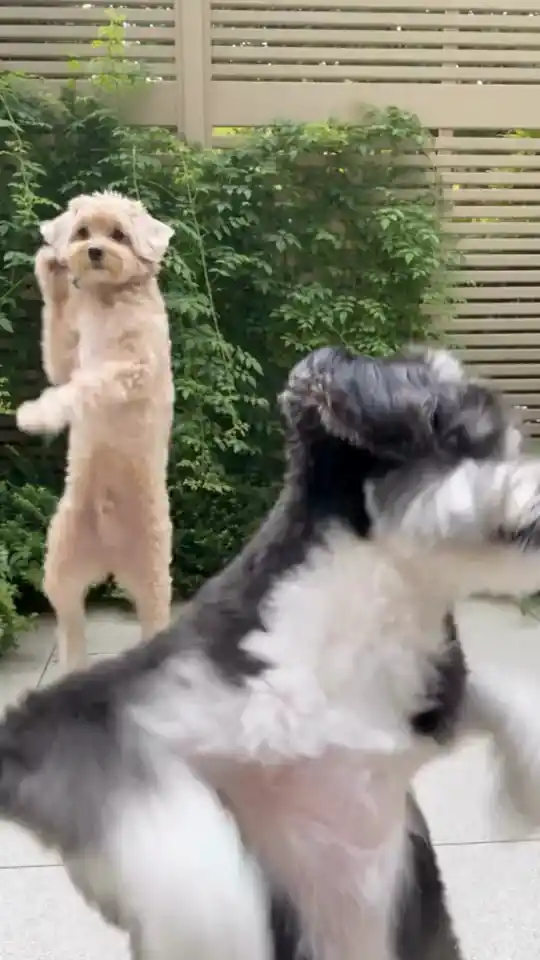
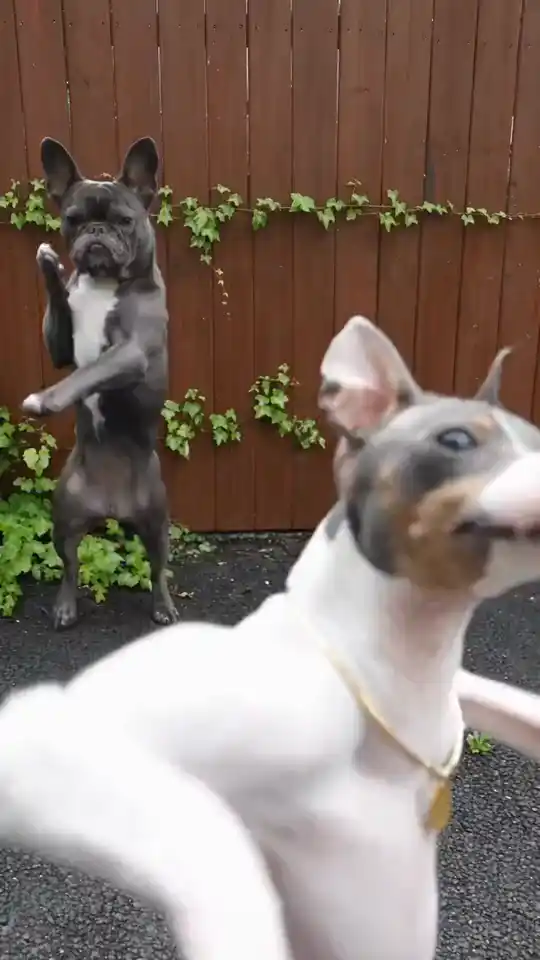
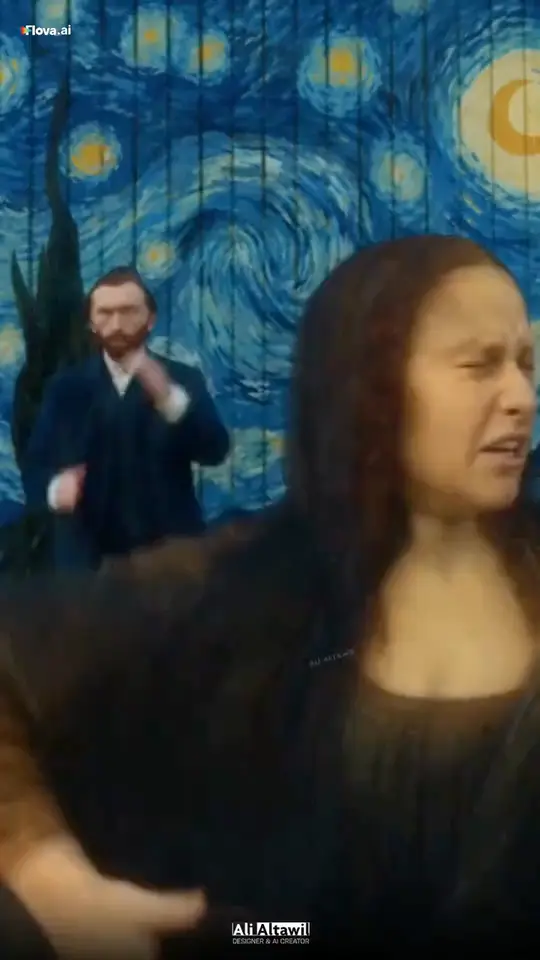
Bulin 47 AI Freestyle1 photo · connected creator
Create a new street freestyle from one clear photo. The Bulin 47 reference guides the scene and gestures; Seedance 2.5 re-creates the performance with your appearance and new audio.
Review your current credit quote in the creator before generating. Results may differ from the reference.
FIND THE TREND. BECOME THE VIDEO.
Discover the videos taking over TikTok, YouTube Shorts and Instagram Reels. Find a look you love, then use your own photos to create a personal version with you in the spotlight.
Find a viral idea → Add your image → Create your own version.
Credit packs from $9.90 · failed generations return your credits · See pricing
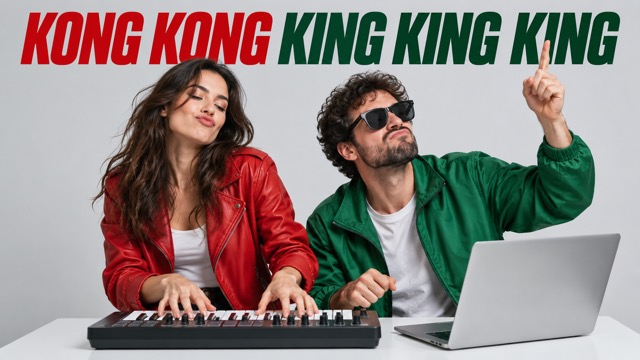 DuetsKong Kong King KingViral AI Trend · creative templateTwo portraits, one keyboard scene, and a playful duet effect made for short-form video.
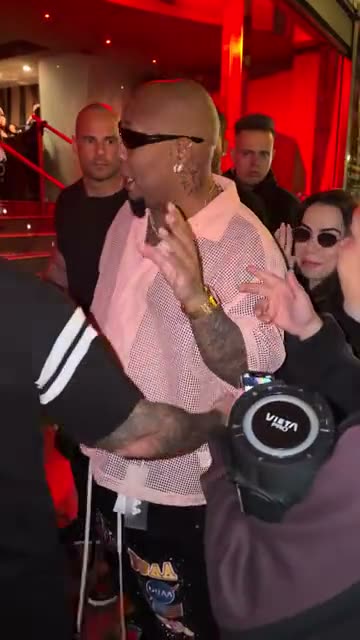 Solo scenesBulin 47 AI FreestyleViral AI Trend · creative templateCreate a reference-inspired street freestyle from one photo with Seedance 2.5. Preview the scene, choose the crowd and review your quote.
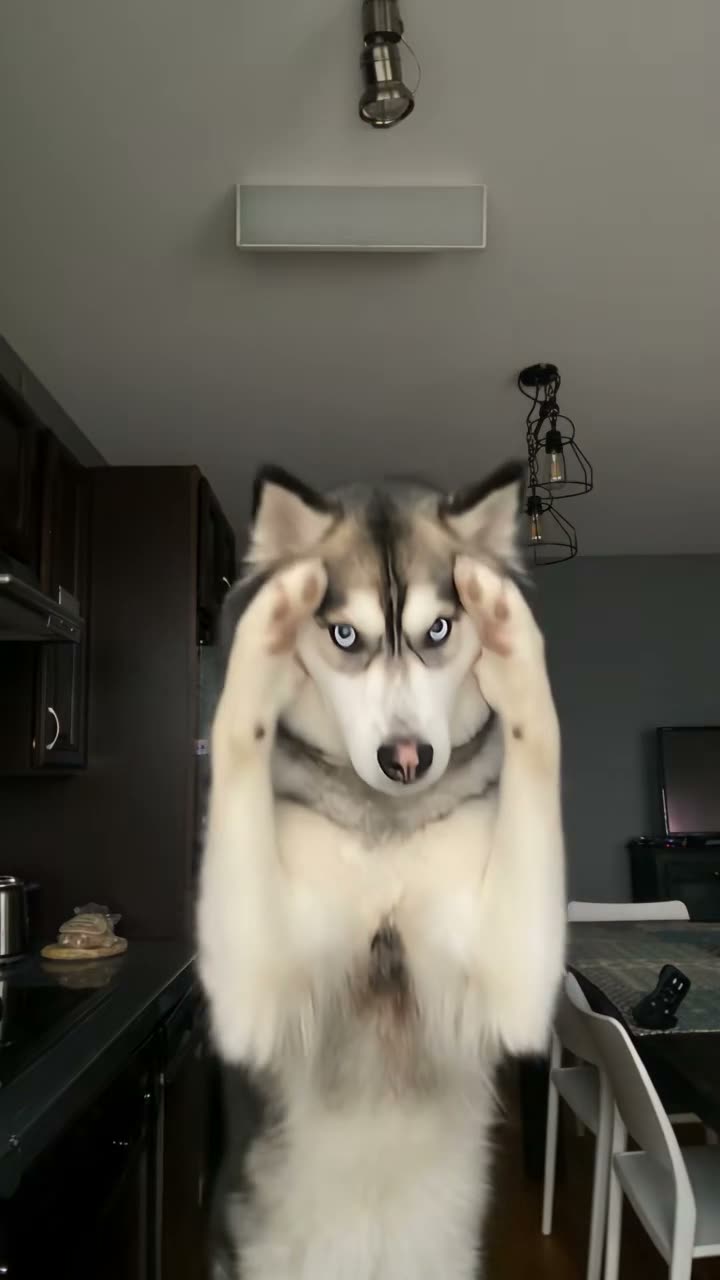
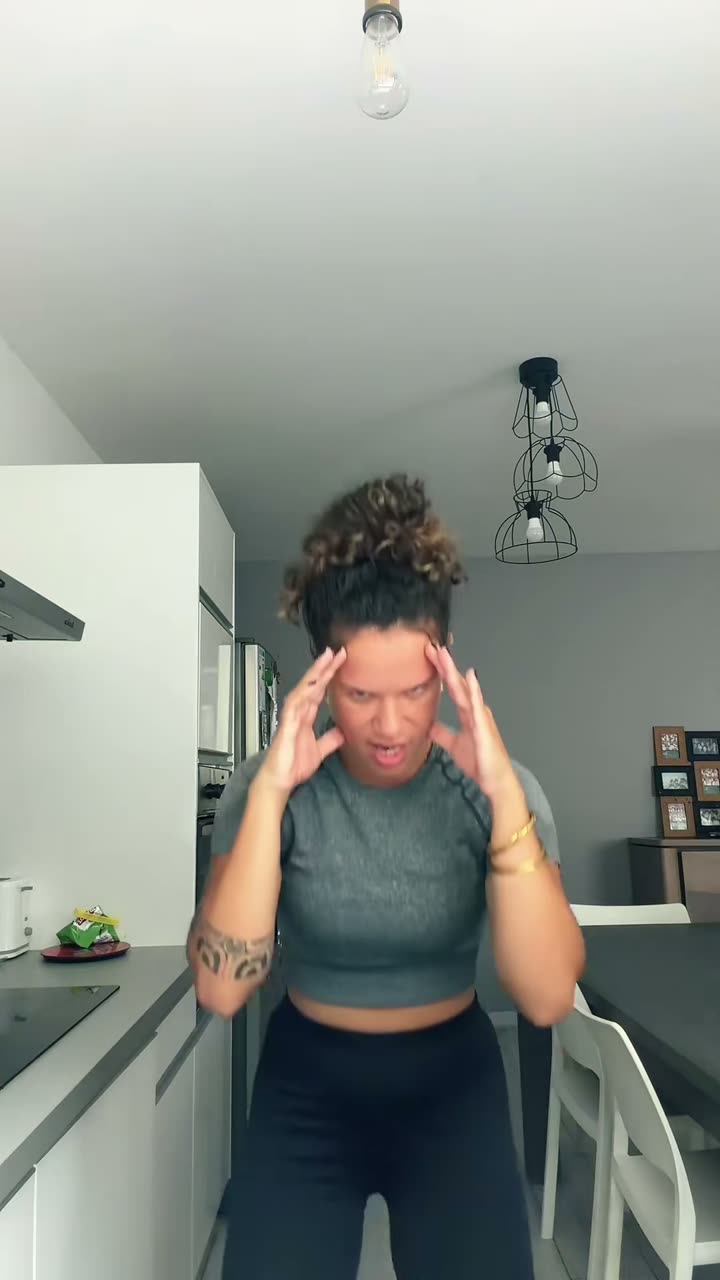
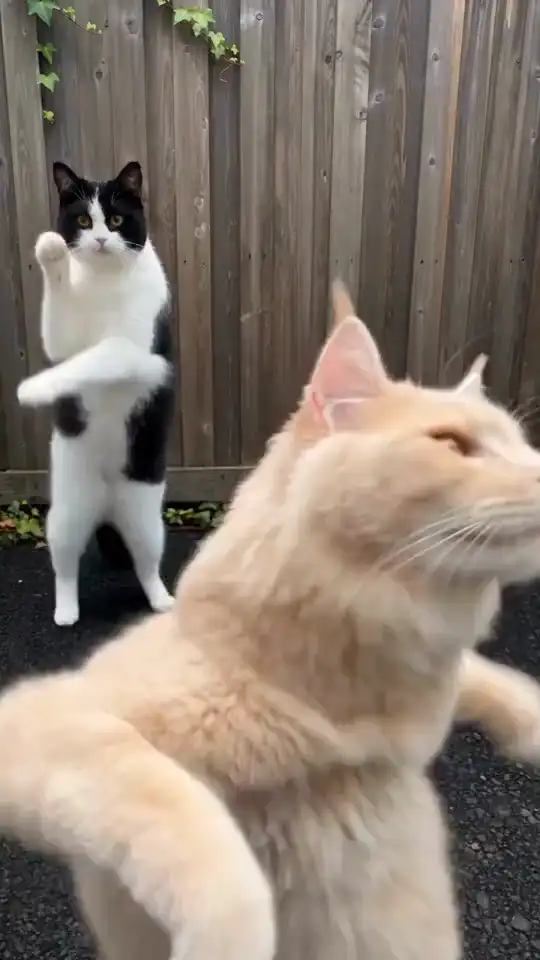 DuetsSmalltown Boy AIViral AI Trend · creative templatePut two familiar faces side by side in a retro dance scene. Coordinated steps, shoulder bounces and dramatic close-ups bring the duo to life. Assign a separate photo to each dancer, then choose a neon club or street setting.Solo scenesBad Times AIViral AI Trend · creative templateGive your photo an exaggerated argument reaction: head in hands, a hand on the hip, raised palms, then a playful lean toward the camera. Choose an adult or pet performance and keep the joke in the gestures.
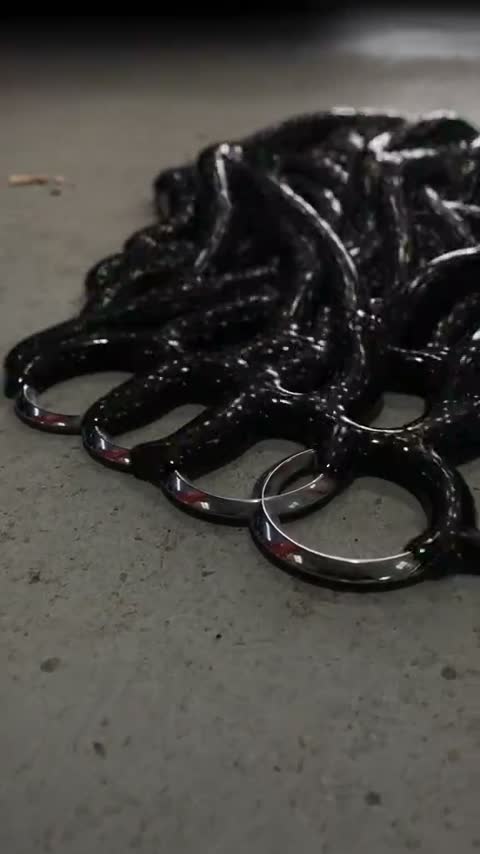
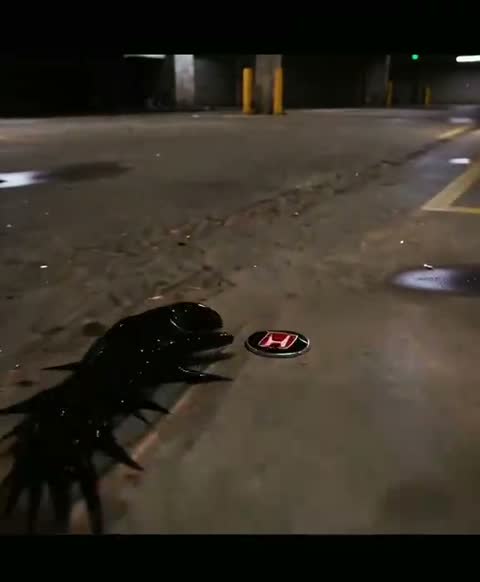
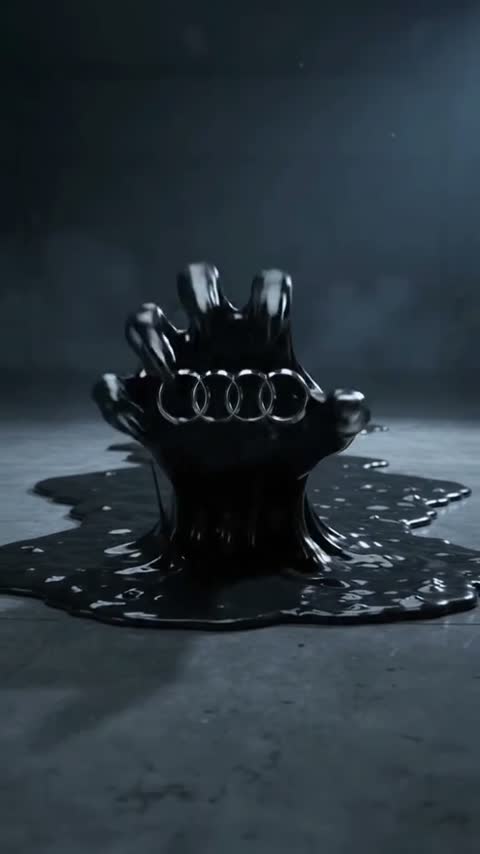
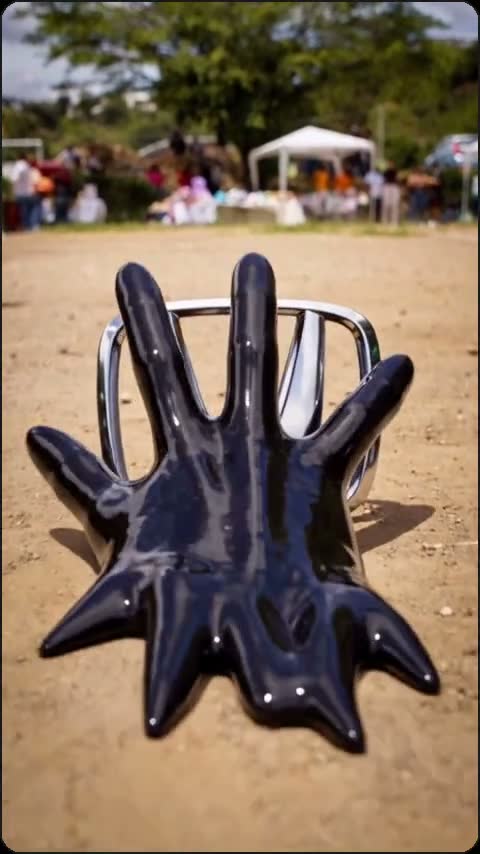
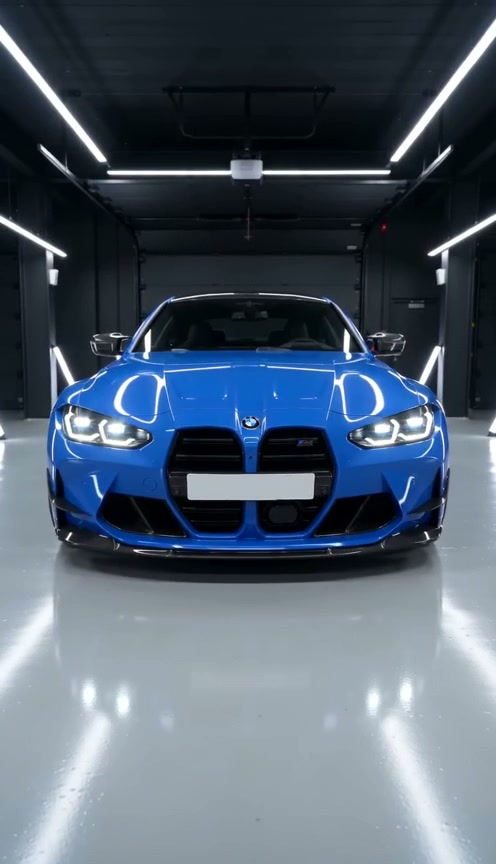 Solo scenesVenom Car AIViral AI Trend · creative templateGlossy black tendrils crawl across a dark garage, wrap around an emblem and build your car piece by piece. Supply the finished car as a reference and optionally add a badge for the opening.
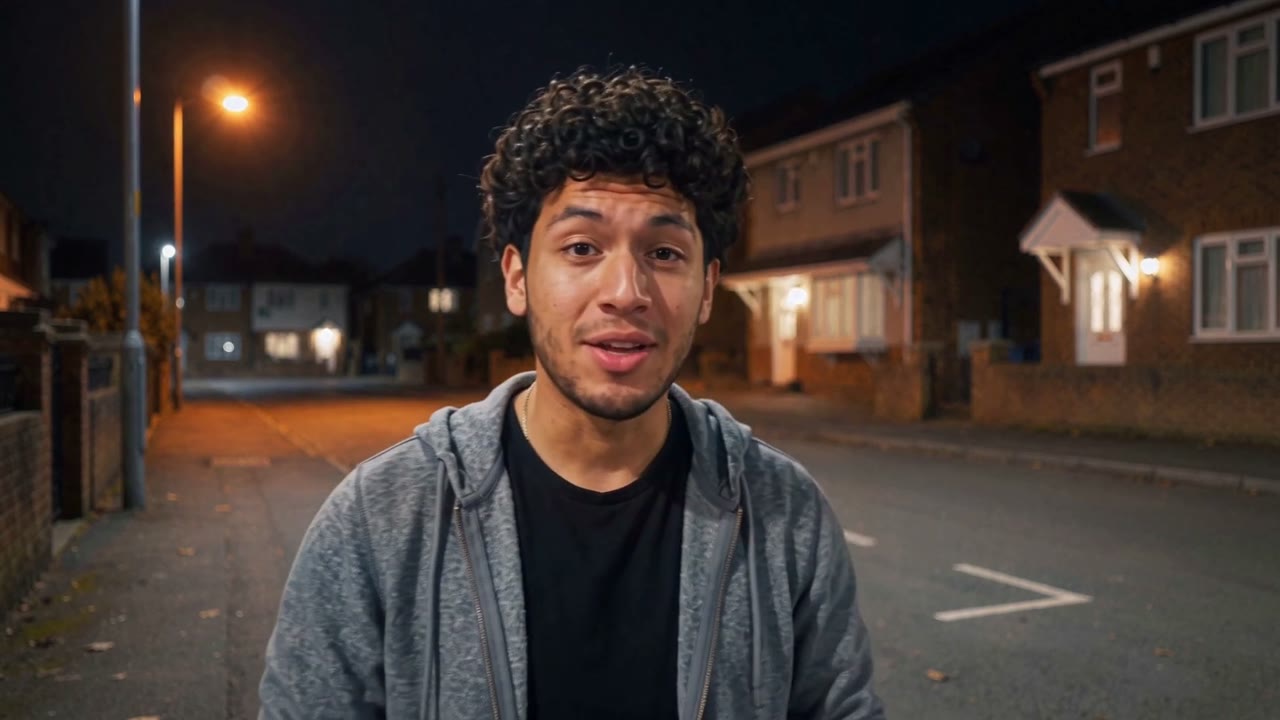 Solo scenesUnforgettable Car AIViral AI Trend · creative templateStart on an empty street, flash the 2 and 4 cards, then swipe across the lens to reveal your car behind you. Add your portrait and car photo, or choose a preset car, for a new fifteen-second scene.
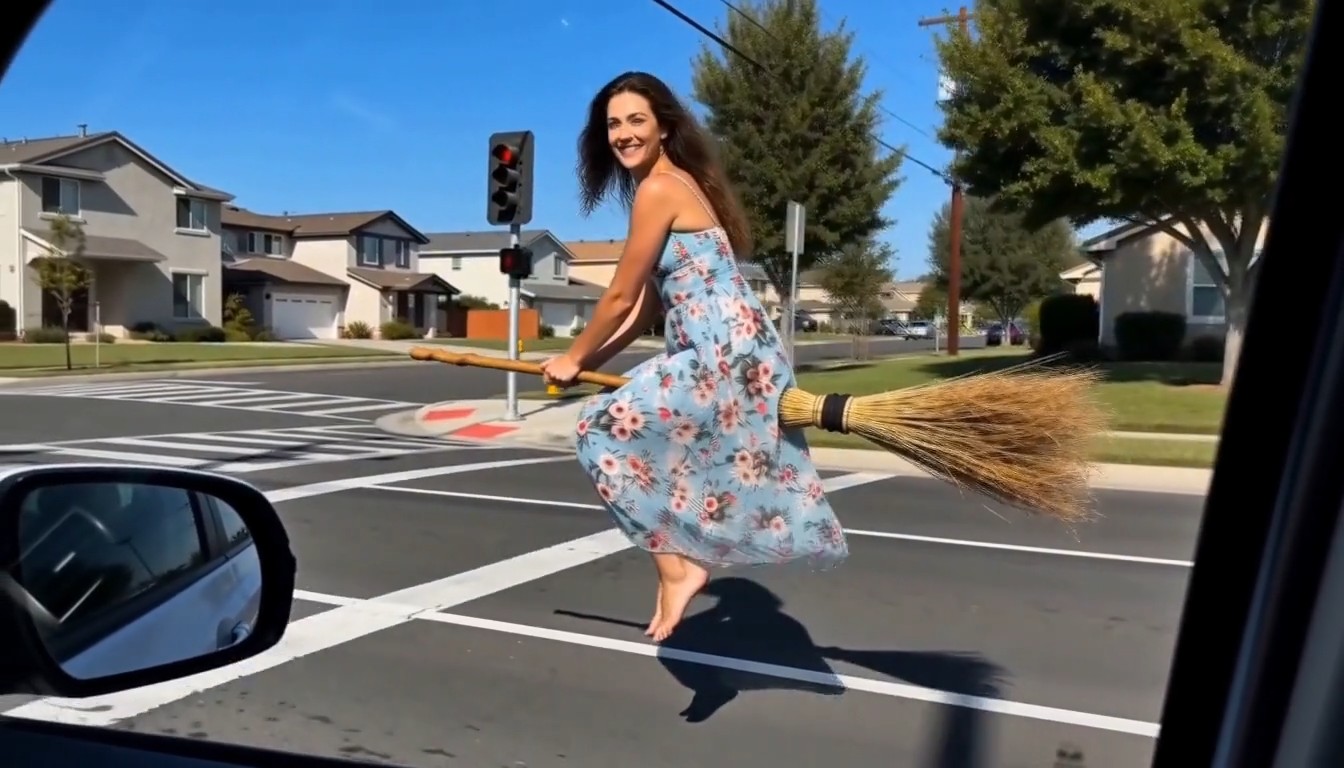 Solo scenesBroom Riding AIViral AI Trend · creative templateGlide beside a car on a wooden broom, smile toward the passenger window, then fly away. Turn one clear portrait into a playful departure with a quiet road, forest, autumn neighborhood or city backdrop.
THE REMIX STARTS WITH YOU
From a golden-hour dance to an orange-booth duo. Preview a reference and find the look for your next post.
↗ CREATOR PICKKong Kong King KingViral AI Trend · creative templateTwo portraits, one keyboard scene, and a playful duet effect made for short-form video.↗ CREATOR PICKBulin 47 AI FreestyleViral AI Trend · creative templateCreate a reference-inspired street freestyle from one photo with Seedance 2.5. Preview the scene, choose the crowd and review your quote.↗ CREATOR PICKSmalltown Boy AIViral AI Trend · creative templatePut two familiar faces side by side in a retro dance scene. Coordinated steps, shoulder bounces and dramatic close-ups bring the duo to life. Assign a separate photo to each dancer, then choose a neon club or street setting.↗ CREATOR PICKBad Times AIViral AI Trend · creative templateGive your photo an exaggerated argument reaction: head in hands, a hand on the hip, raised palms, then a playful lean toward the camera. Choose an adult or pet performance and keep the joke in the gestures.↗ CREATOR PICKVenom Car AIViral AI Trend · creative templateGlossy black tendrils crawl across a dark garage, wrap around an emblem and build your car piece by piece. Supply the finished car as a reference and optionally add a badge for the opening.↗ CREATOR PICKUnforgettable Car AIViral AI Trend · creative templateStart on an empty street, flash the 2 and 4 cards, then swipe across the lens to reveal your car behind you. Add your portrait and car photo, or choose a preset car, for a new fifteen-second scene.↗ CREATOR PICKBroom Riding AIViral AI Trend · creative templateGlide beside a car on a wooden broom, smile toward the passenger window, then fly away. Turn one clear portrait into a playful departure with a quiet road, forest, autumn neighborhood or city backdrop.LESS SETUP. MORE YOU.
A simple starting point for short-form creators. No editing timeline to learn.
Discover video trends and watch the reference. Choose the scene or performance you want to make your own.
Open the creator tool, add photos you have permission to use, and review the settings and credit cost.
Generate your edit, check the finished video and download it. Add your caption and post on your favorite platform.
THIS IS VIRAL AI TREND
Viral AI Trend is a home for trend-inspired AI video templates and photo-based edits. We focus on the creative formats people love to remix across TikTok, YouTube Shorts and Instagram Reels.
Start with a dance, a duo or a scene. Our collection brings references and creator tools together so you can spend more time making your version. Each template is built around a specific scene, movement or duo so you can start creating quickly.
Use photos and footage you own or have permission to use. Preview every result before sharing. AI results vary, and a creative template never guarantees views or virality.
FREQUENTLY ASKED
Viral AI Trend helps you discover trend-inspired AI video templates and create personal photo-based edits for TikTok, YouTube Shorts and Instagram Reels. Browse dance references, duet ideas and video creation tools in one place.
Need a hand?