Cards hide the cut
The person begins with no car in the frame. A 2 card and a 4 card move across the lens, briefly covering the view. When the view clears, the car sits behind the same person in the same location.
 Viral AI TrendCreate
 YOU + YOUR CAR · 2 + 4 REVEAL
Start on an empty street, flash the 2 and 4 cards, then swipe across the lens to reveal your car behind you. Add your portrait and car photo, or choose a preset car, for a new fifteen-second scene.
Create here · Seedance 2.5 on Replicate · review credits before generating
THE LOOK
The person begins with no car in the frame. A 2 card and a 4 card move across the lens, briefly covering the view. When the view clears, the car sits behind the same person in the same location.
Your portrait supplies the person; the second reference supplies the vehicle. City street lights, an open rooftop and a quiet car park give the reveal different moods while keeping its setup easy to follow.
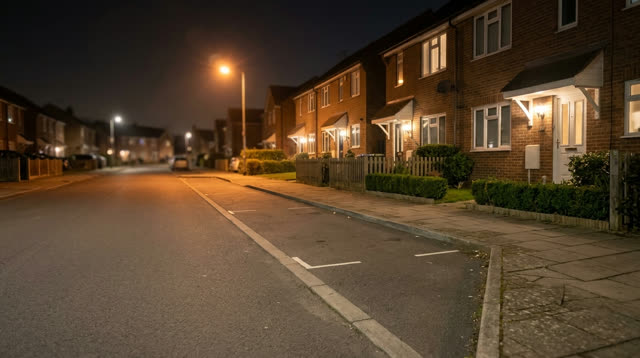
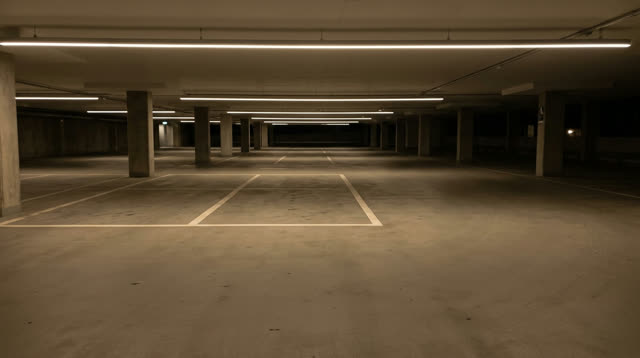
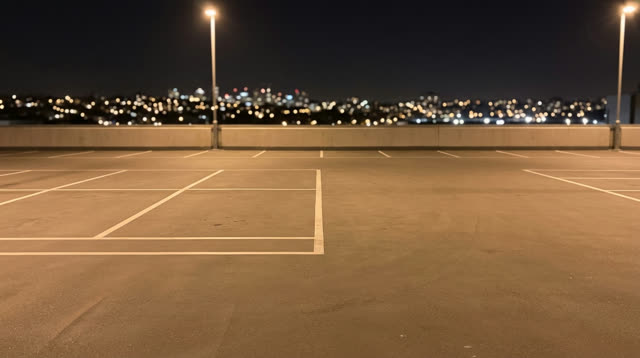
PHOTO GUIDE
One authorized adult, face and upper body
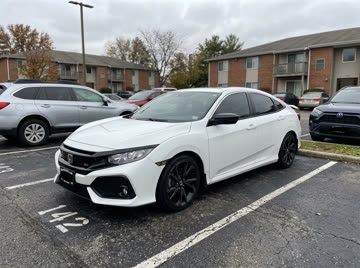
A clear front or three-quarter view

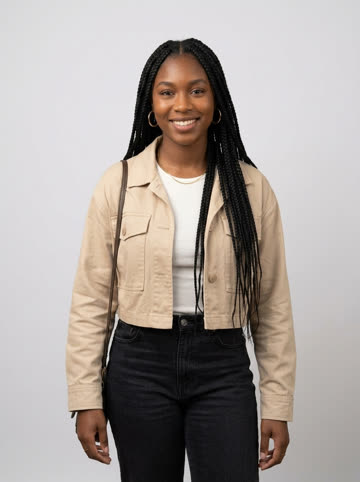
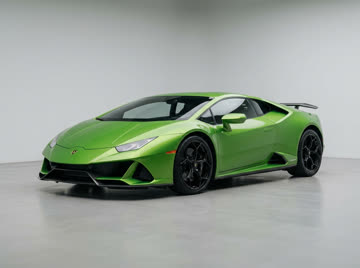

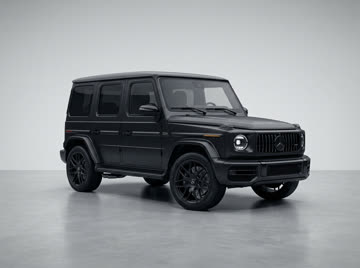
HOW TO MAKE A UNFORGETTABLE CAR AI VIDEO
Sign in and add one authorized adult portrait plus a clear car image. You can choose a red coupe, green supercar or black SUV instead of uploading a car. JPG, PNG and WebP are supported up to 10 MB each.
Choose a city street, night car park or rooftop. The creator requests a silent 16:9 MP4 in 480p or 720p. Review the server quote, then confirm with your Viral AI Trend video credits.
Follow the task in this page’s video history, even after leaving and returning. Preview the completed MP4 and download it. Failed tasks return their reserved video credits.
CREATE ON VIRAL AI TREND
2 reference photos · 15 seconds · silent video. Powered by Seedance 2.5 on Replicate.
Tasks stay here when you leave and return. Inspect the result before sharing.
Your finished video will appear here.
BEFORE YOU GENERATE
AI can change faces, objects and motion between frames. Review your finished video before sharing.
QUESTIONS, ANSWERED
It is a car reveal built around two playing cards, 2 and 4. Their swipe across the camera hides the transition from an empty location to a car behind the subject.
No. Upload an authorized car image or choose one of the three preset cars in the creator.
This creator offers 480p and 720p, with a requested fifteen-second 16:9 MP4. The quality choices show the current supported output.
Small text and emblems can change during generation. Use a clear reference and check the completed video before publishing.
The 15-second request uses 135 video credits at 480p or 295 at 720p. Review the exact server quote before confirming. General AI video wallet credits are a separate balance.
Failed tasks return the video credits reserved for that task. Your history stays under your account, and retrying the same submission does not reserve a second task.
YOUR NEXT LOOK